


Hier ist Dir die Texturierung mal wieder wunderbar gelungen! 
Hier ist Dir die Texturierung mal wieder wunderbar gelungen!
Hi Stitch, welcome back! 
Manchmal braucht man halt eine Auszeit und manchmal haben andere Dinge im Leben Priorität - schön, dass Du wieder an Bord bist! 
Gerne.
Freut mich, wenn Ihr es gebrauchen könnt. :]
Vielleicht hängt das mit einer bestimmten Hardware-Konstellation zusammen? Denn das hatte ich bisher auch nicht.
Eventuell mal im Pilgway User Forum zur Diskussion stellen, möglicherweise ist das Problem ja dort schon bekannt.
Da DAZ ja eine direkte Schnittstelle zu ZBrush hat, sollte es da wohl auch vernünftig funktionieren.
Ich habe selbst noch nie Studio-Figuren in 3D Coat importiert, daher kann ich dafür leider auch keine Tipps geben.
DirectX sollte man auch nur nehmen, wenn man keine Nvidia/OGL-Karte hat.
5-6 Sekunden finde ich allerdings sehr träge. Ich habe noch ne alte GTX780 und einen Xeon 3,6 Professor und bei mir schalten die Ebenen sofort um.
Hast Du einen Unterschied entdecken können, je nachdem, wie viele Objekte oder Vorgänge sich innerhalb einer Ebene befinden?
acsto: Mit welcher Version arbeitest Du, DirectX oder OpenGL?
Habe das Update vorhin installiert und empfinde die Geschwindigkeit gleich zur Vorgängerversion.
Jo... kann nur sagen: wow! 
Außerdem, wer es gern hätte -jetzt als Black Friday Deal. Es lohnt sich.
Liste der Neuerungen und Fixes laut Pilgway:
General changes:
- Streamlined UI, very essential code refactoring (up
to 40%) to improve stability and development speed in the long -term
perspective.
- New powerful curves and Sculpt layers included as "preview"
feature, see Preferences.
- Curvature calculation routine got much better flexibility, possibility to mix
short -range, smoothed and long -range curvatures arbitrary.
- Correct curvature baking for stacked islands in UV -map.
- Much more intuitive sculpt primitives - "Apply" ghosts the preview
object till it is moved.
- Panoramas list improved, items presented as tiles, dockable.
- Presets tab got folders structure.
- Select edge loop with SHIFT, unselect with CTRL SHIFT become more intuitive.
Try different combinations. There are a lot of intuitive combo-s.
- Mono, 32 bit, Grey/black - based as option for Export constructor.
- Edit/remove scripts history items.
- 16K support in "Change mesh & texture resolution."
- Corrected EXR export using export constructor. Correct support of mono (R)
export.
- Fixed 16k AO and light baking.
- Fixed .HDR panorama import problem, it was importing as greyscale.
- Default colors for seams/sharp/sharp seams changed to more bright. Generally,
you can tweak all those colors in Preferences.
- More tools included in Voxel/Surface toolset.
- Fixed fundamental materials problem that arises when a user makes materials
using textures of the same name from different folders. Making the
distributable package was messing the textures.
- Copy & Subtract From... in VoxTree RMB to subtract without destroying the
source volume.
- A lot of stability and speed improvements.
Render room changes:
Here's what you can do there now:
- Render individual passes
- Customize the silhouettes in the renderer and in the viewport (this is
important for the artist, since the person perceives the picture according to
the silhouettes and the artists begin to draw from the silhouettes.
- Set up presets (for example, to quickly look at silhouettes or different
lighting)
- Volumetric fog with shadows.
- Fixed a bug with shadows in shaders, now they are clearer and do not hang in
the air.
- Render video to one .mp4 file
- New interface
- Automatic assembly of .psd with layers so that the artist can work with
individual passes and light sources in Photoshop
- Fix toon shaders in renderer
- You can save render settings to a file and read from the file
- The light sources from the panorama now have a different density depending on
the brightness, which allows you to quickly get a good result and clear,
detailed shadows that convey the shape of the light source, glow from the sun,
etc. (the custom panoramas need to be reimported, so that the light sources
recalculated correctly)
Das Promo-Video ist schon beeindruckend! 
Offenbar tatsächlich eine freie Version für Studio. Habe mich vorhin bei OTOY angemeldet und das Plugin dann installiert.
Aber bis ich das mal durchleuchtet habe, geschweige denn, getestet...

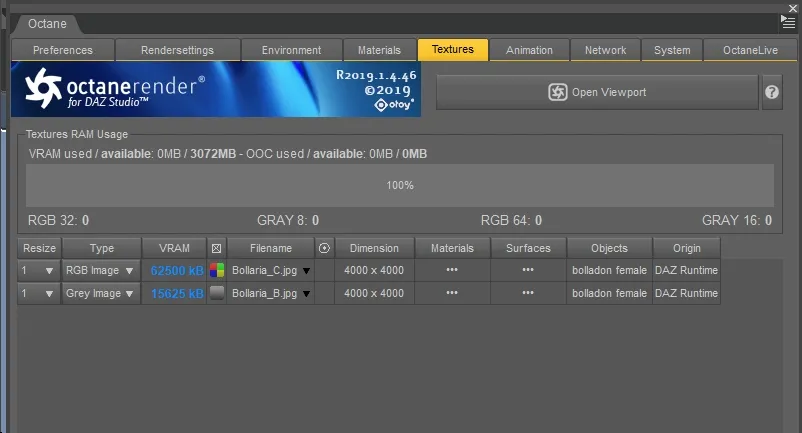
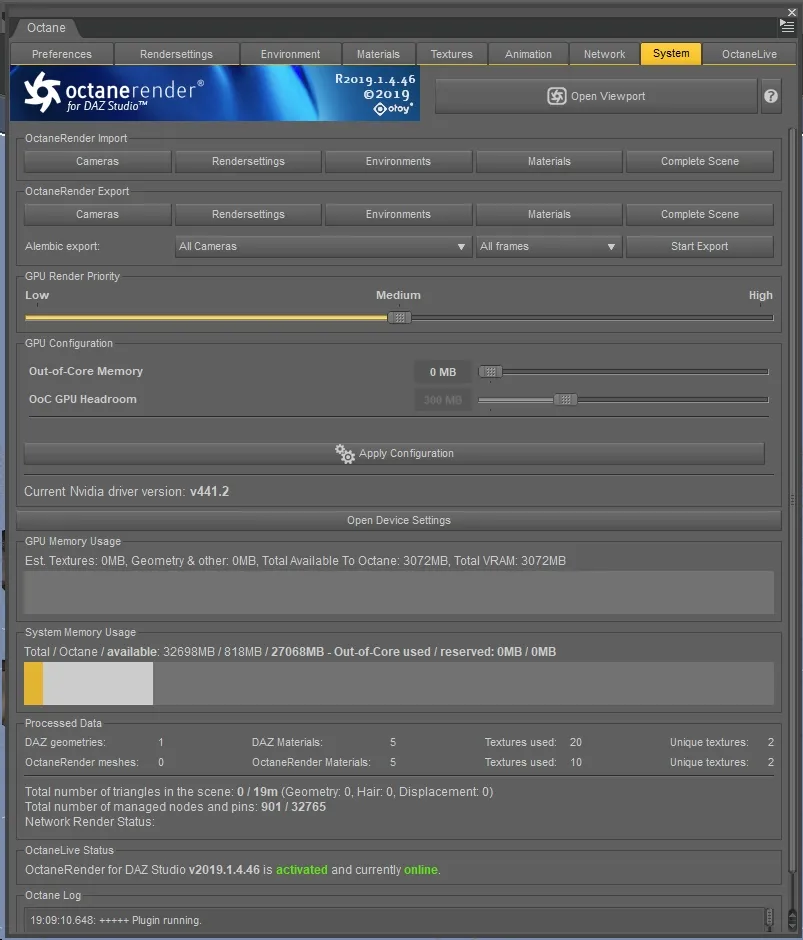
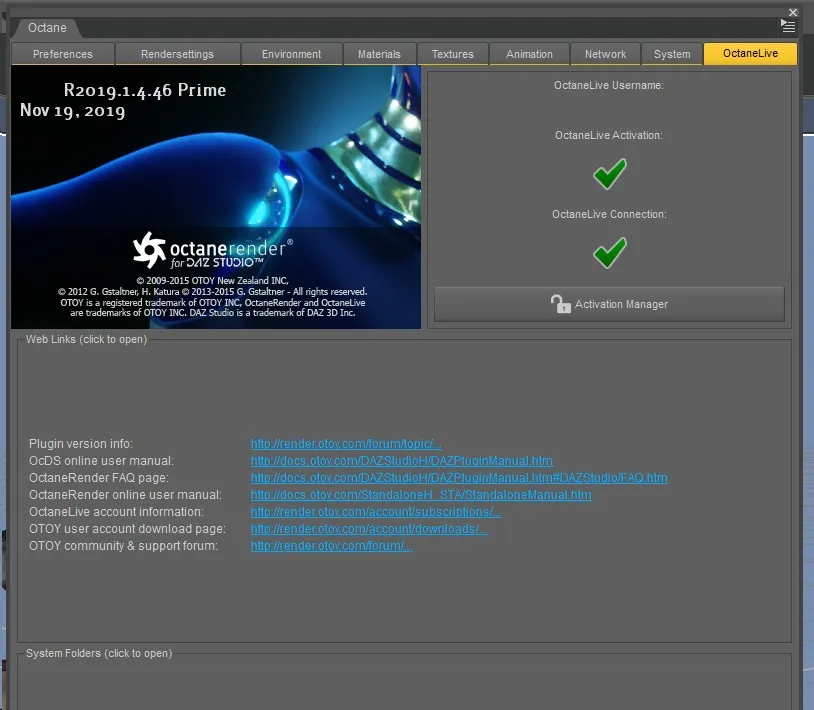
Hier ein paar Screenshots der Plugin-Menüs in Studio:
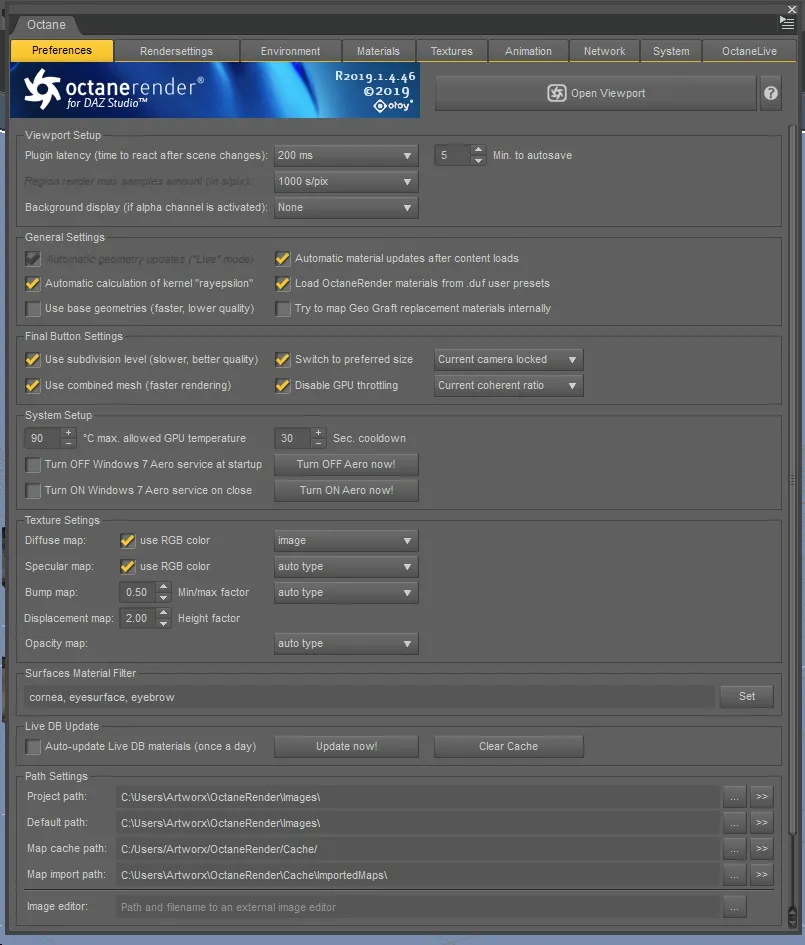
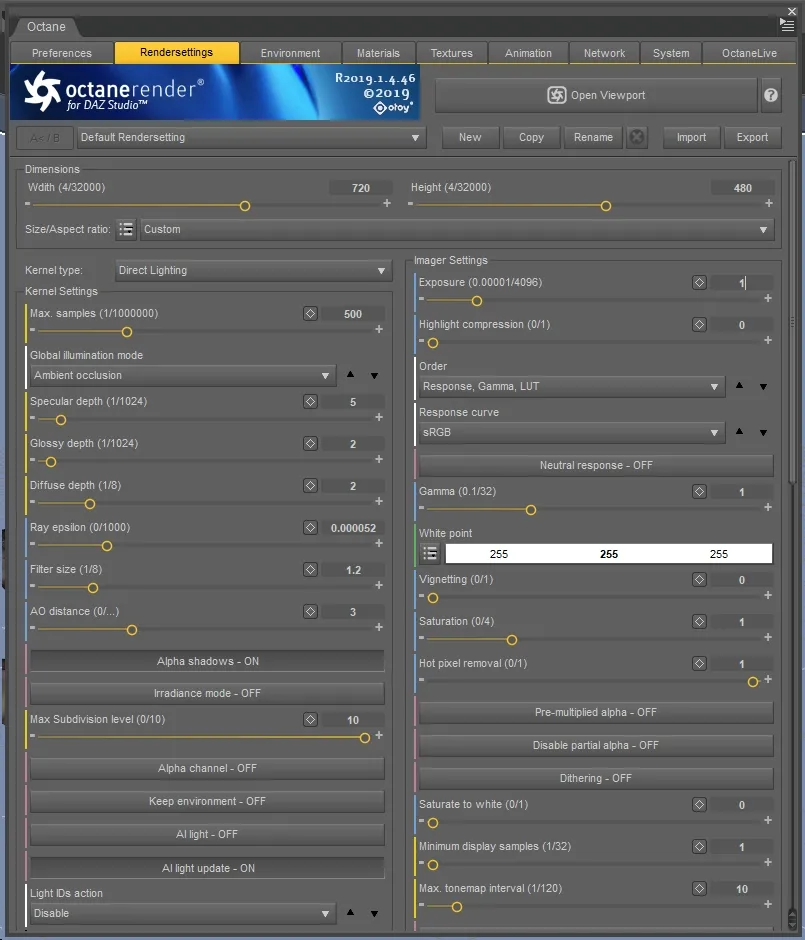
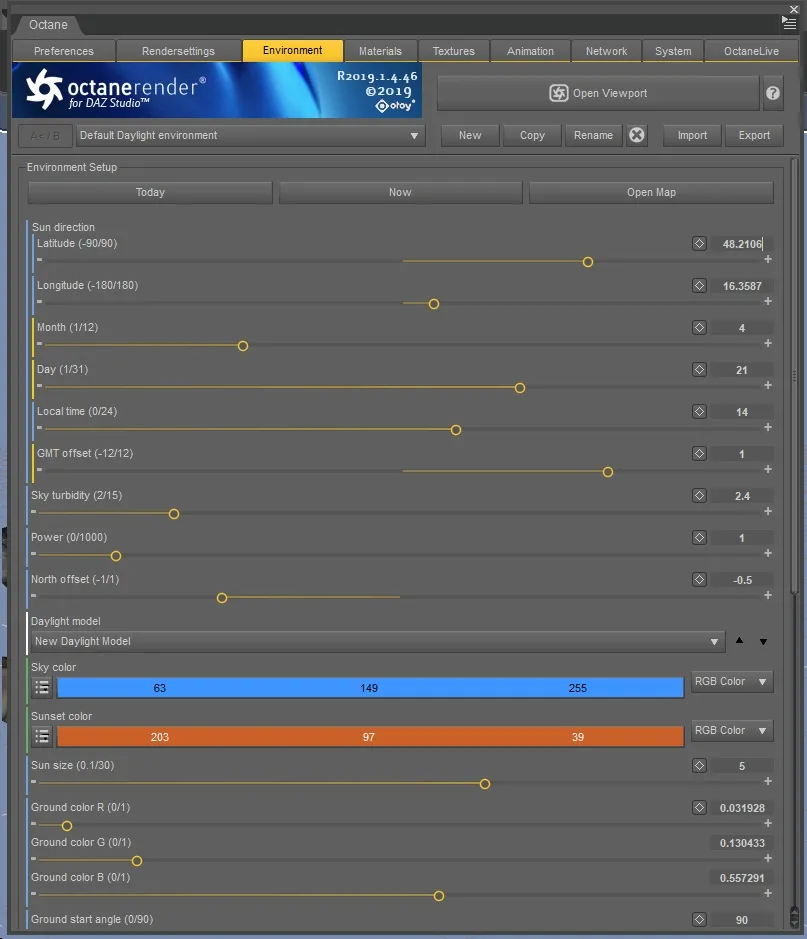
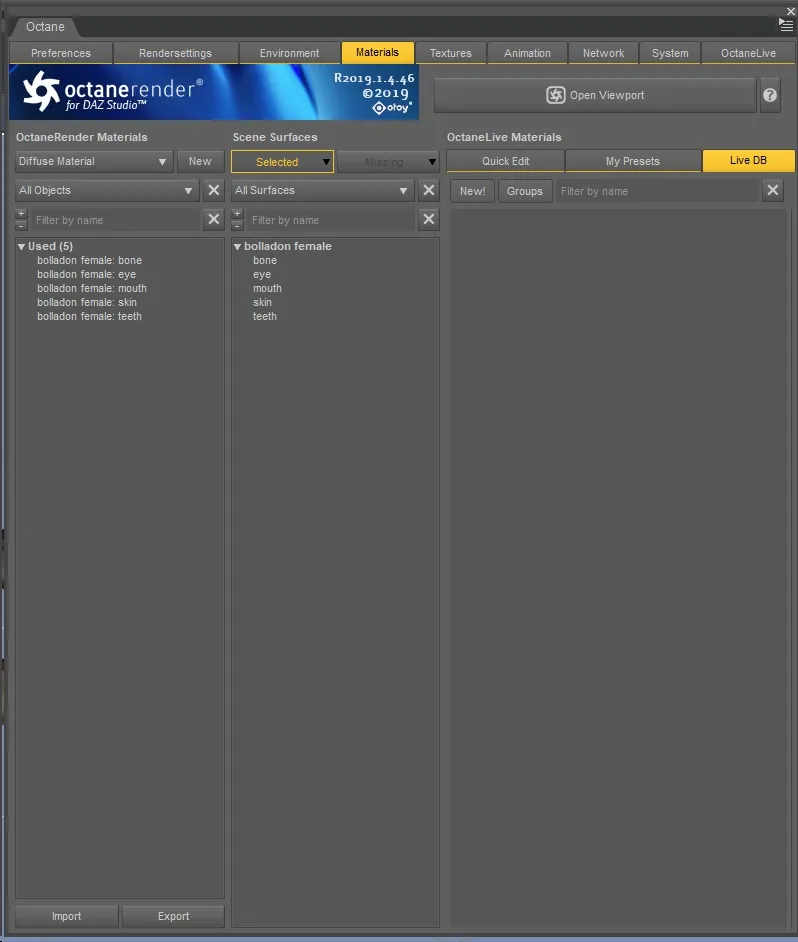
Raumstation = :nachdenklich:
Flüssigkeiten in DS sind offenbar genau so krückenhaft darzustellen wie gescheite Landschaften... 
Und ja, die Kerzenflamme und den rauchenden Vulkan hätte er sich besser verkniffen.
Das ist Adobe, Corel und Quark im modernen, schlankeren -und deutlich günstigeren- Outfit. Wenn ich nicht schon ewig die Corel Suite hätte, würde ich da glatt zulangen. Mit dem Publisher liebäugele ich schon eine Weile, denn wenn man öfter Textmengen druckfertig gestalten muß, gibt es wohl im Moment keine günstigere Wahl mit einem solchen Funktionsumfang...
andrakis : Never mind 
Wär wohl recht stumpf von mir gewesen, etwas heraus zu bringen, womit kaum Jemand etwas anfangen kann...
Danke. Es entstand in Eigenbedarf, weil ich es irgendwann ätzend fand, bei Bedarf jedes Mal aufs Neue herum basteln zu müssen. Ich denke das kann Jede(r) gebrauchen, die/der sich mit klassischem 3D Modelling beschäftigt.
spacebones hat eine neue Datei hinzugefügt:
Dieses Set beinhaltet diverse Negativ-Formen bzw. geometrische Ausschnitte innerhalb einer Polygonfläche. Da es bei Booleschen Operationen oft zu unerwünschten Ergebnissen führt, ist ein sauber modellierter Ausschnitt immer die beste Wahl.
Alle Flächen bestehen aus Quads in symmetrischer Anzahl (erleichtert das Einbinden in ein vorhandenes, eigenes Objekt), so dass sie sich sauber extrudieren und beveln lassen.

Wenn es darum geht - vor einiger Zeit hatte ich mal einige Vorlagen für korrekte Hohlformen erstellt. Sind noch als Freebie auf ShareCG und könnten hilfreich sein, wenn Jemand gar keinen Bock hat, sowas selbst zu modellieren...
meini2001 : Sculpten gehört natürlich auch in die Kategorie Modellieren, nur wenn normalerweise der Begriff Modellieren gebraucht wird, versteht man halt darunter in erster Hinsicht das klassische Aufbauen eines Modells mit den Standardwerkzeugen, also "Polygone schubsen" im üblichen Stil.
Beim Sculpting verfährt man wie beim Modellieren mit Ton oder Knetmasse in der analogen Welt, also "malt" mit einer Brush die gewünschte Form aus einem Grundobjekt heraus. Dieses wird dann in der Regel sehr Polygon-intensiv, denn je mehr Details, desto mehr Triangles. Nach Fertigstellung ist dann in den meisten Fällen eine "Retopologisierung" (Retopo) fällig, mit der das Ergebnis auf eine vernünftig bearbeitbare Anzahl an Oberflächen-Meshes reduziert wird.
:nachdenklich: ...Dying Gull...dumpfe Karotte.... ?? Hhmm
andere Persektiven ermöglichen andere Möglichkeiten.

 im Board!